 Jeroen Peerbolte
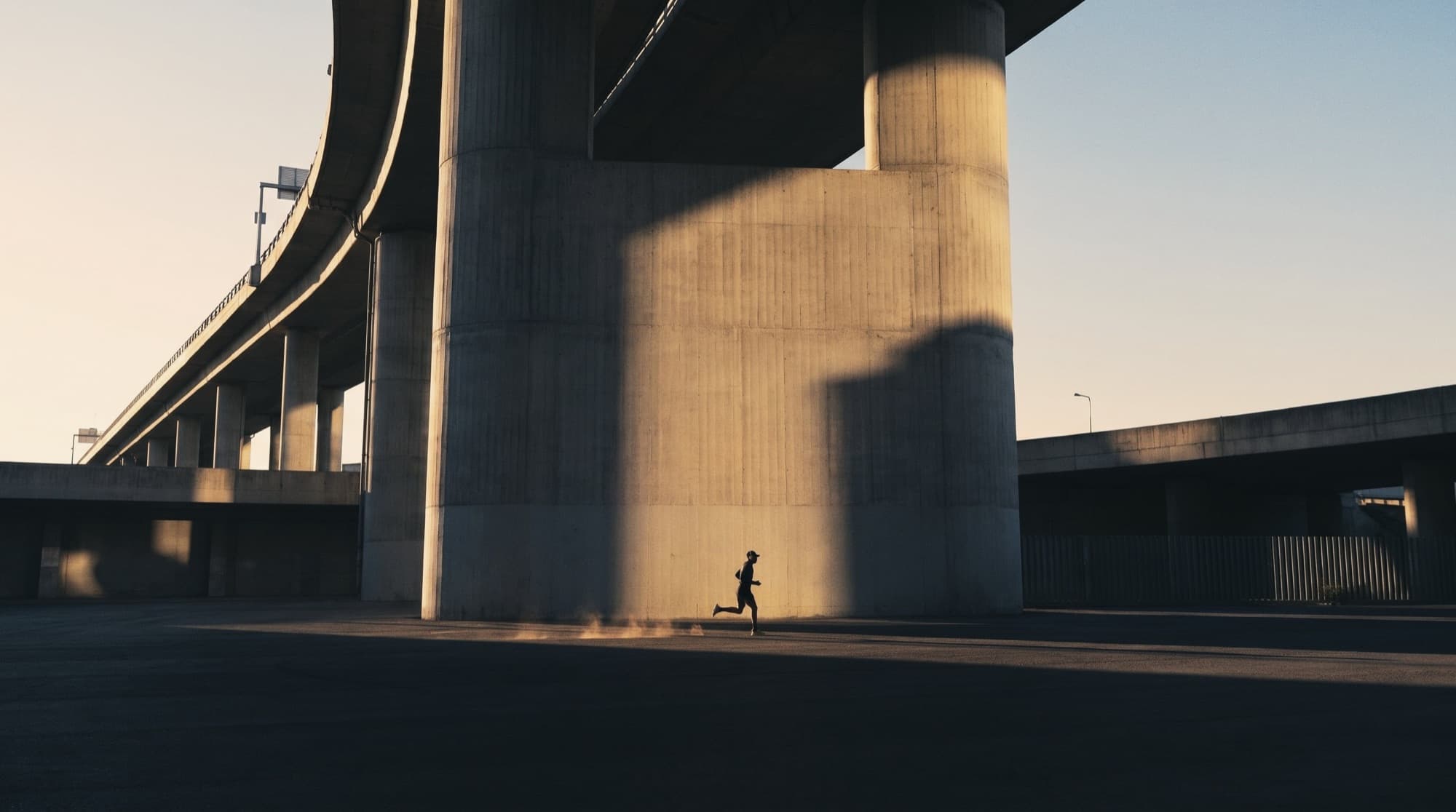
iPhone GPS pace is good on open roads, tracks and in parks. Between tall buildings, under dense trees and in tunnels it gets unreliable, and no app can fully fix that. ZoneTempo filters the signal, and when it can't trust it, it stops giving pace cues instead of telling you a wrong pace. Your heart-rate zone cues keep working.
Why GPS pace jumps around
Under open sky, a smartphone's GPS is typically accurate to within about 5 metres (GPS.gov). Pace is distance over time, so a position that wobbles by a few metres makes a second-by-second pace wobble a lot. That is why every running app smooths it.
Near tall buildings it gets worse. Buildings block the direct signal from some satellites, and the phone picks up reflections off walls instead (GPS.gov). A reflected signal travels further, so the phone thinks you are somewhere else. In a narrow street with tall buildings on both sides, that error can reach tens of metres and changes from second to second.
What to expect where you run
| Where | GPS pace | What ZoneTempo does |
|---|---|---|
| Open roads, tracks, beaches | Good | Pace cues and splits as normal |
| Parks, suburbs, low buildings | Mostly good, short wobbles | Filters the wobbles; pace cues as normal |
| Dense trees, bridges | Patchy | Pauses pace cues while GPS is poor |
| City centres, tall buildings | Often unreliable | Pauses pace cues, keeps distance from your steps |
| Tunnels, underpasses | No signal | Distance from your steps until GPS returns |
What ZoneTempo does about it
- Throws out bad fixes. Positions the phone itself rates as worse than 20 metres are ignored, as are jumps that would mean running faster than is humanly possible.
- Smooths what's left. A Kalman filter combines the positions into a steady speed, and uses the phone's Doppler speed when the phone says it is accurate. Distance comes from that filtered speed, so sideways jitter doesn't add phantom metres.
- Knows when to trust it. GPS counts as good when the typical accuracy over the last 15 seconds is 12 metres or better. One bad reading doesn't flip that; a street of them does.
- Says nothing rather than something wrong. Inaccurate GPS between tall buildings easily reads a minute per kilometre too slow. So when GPS is poor, the coach stops judging your pace and tells you once:
GPS isn't accurate here, so I'll hold off on pace updates until it is.
When GPS has been good again for ten seconds, pace cues come back. On screen, the pace shows GPS inaccurate or No GPS. - Counts your steps when GPS drops out. Distance continues from your steps and a stride length learned from GPS earlier in the run, so a tunnel doesn't cost you a kilometre.
- Keeps standing still out of your pace. When the pedometer says you've stopped, for example at a traffic light, GPS drift isn't counted as distance.
How accurate is it in good conditions?
In simulations with realistic GPS noise in open conditions, ZoneTempo's distance stays within about 1% and its live pace within about 2 seconds per kilometre after the first 20 seconds. Those are simulation results, not a promise for every street: between tall buildings, real-world GPS can be far worse, which is exactly why the coach goes quiet there.
How to get the most accurate pace
- Wait for GPS before you start. Give the phone a few seconds outside; the first fixes after a cold start are the least accurate.
- Run by heart rate in the city. Your heart rate comes from your strap, so buildings don't affect it. Pick a zone for city runs.
- Judge pace on open stretches. A park, a river path or a track gives you a pace you can trust.
- Allow Motion & Fitness. Step counting is what keeps distance going in tunnels and under bridges.
- Carry the phone on your body. An arm band or a snug pocket works better than a loose bag.
More on running by heart rate: heart-rate zones for runners and zone 2 running.
Questions
Why is my running pace wrong in the city?
Tall buildings block and reflect GPS signals. The phone then sees signals that took a detour, so its position jumps around by tens of metres and the pace calculated from it swings too. It is most noticeable in narrow streets with tall buildings on both sides.
How accurate is iPhone GPS for running?
Under open sky, smartphone GPS is typically accurate to within about 5 metres. That is good enough for a steady pace after filtering. Near tall buildings, under dense trees and in tunnels it gets much worse, and no app can fully fix that.
What does ZoneTempo do when GPS is inaccurate?
It stops giving pace cues and tells you once that GPS isn't accurate here, instead of announcing a pace it can't trust. Distance continues from your steps, heart-rate zone cues keep working, and pace cues return once GPS has been good again for a while.
Should I run by pace or heart rate in the city?
Heart rate. It comes from your strap, not from satellites, so buildings don't affect it. On an easy run in a city centre, aim for a heart-rate zone and check your pace on open stretches.
Sources
- U.S. government, GPS.gov. GPS accuracy (smartphones typically within 4.9 m under open sky; worse near buildings, bridges and trees). archive.gps.gov/systems/gps/performance/accuracy/
ZoneTempo is an iPhone running coach that speaks pace and heart-rate cues over your music. Free to use, with 3 Pro runs on us.